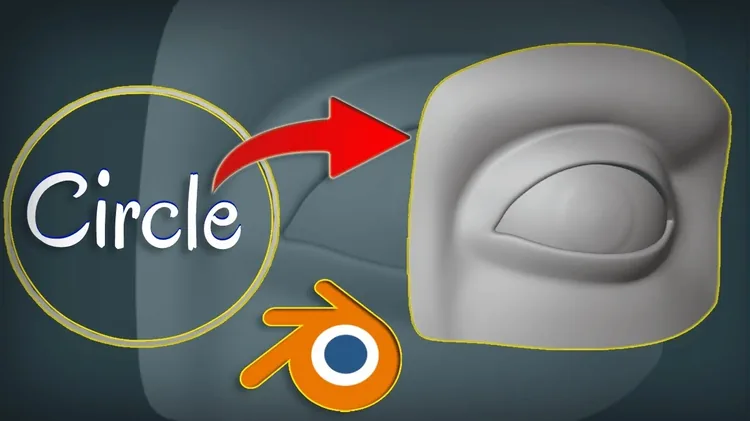
Modeling realistic eyes is one of the most challenging — and most rewarding — skills in character art. Eyes convey emotion, life and personality. Get them right and your character comes alive. Get them wrong and they look like a mannequin. This tutorial breaks it down into simple, approachable steps.
What You'll Learn
- Understanding eye anatomy for 3D modeling
- Blocking out the eyeball and socket form
- Sculpting the eyelid folds and crease detail
- Creating the cornea, iris and pupil geometry
- Setting up realistic eye materials and shaders
- Matching reference to get the proportions right
Watch the Full Tutorial
The complete step-by-step tutorial is available on the Blender Ustad YouTube channel. Watch it below:
Tips for Better Eye Modeling
- Use reference images — real eye photos from multiple angles are essential.
- Start simple — block out the sphere first, then refine the eyelid geometry.
- Separate meshes — eyeball, cornea, eyelids and lashes work best as separate objects.
- Shaders matter as much as geometry — a simple eye mesh with great materials beats complex geometry with flat shading.
- Watch your scale — human eyes are smaller than most beginners model them.
Want to Go Deeper?
Eye modeling is covered as part of the full character modeling curriculum in the Blender Masterclass — including how to integrate eyes properly into a rigged character face with correct weighting and shape keys.